
Embedded Linux offers a powerful and flexible platform for building custom devices — from routers and industrial controllers to smart home appliances. But working in this space comes with unique challenges that aren’t always obvious to newcomers.
If you’re getting started with Embedded Linux development, here are some common (but avoidable) mistakes that could cost you time, performance, or even product stability.
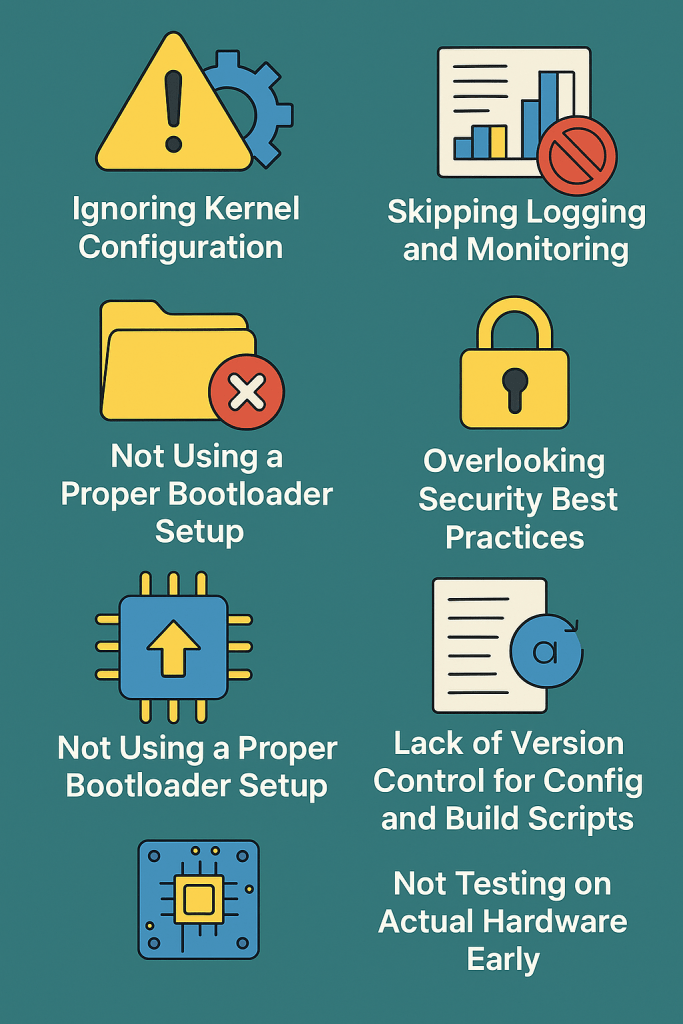
1. Ignoring Kernel Configuration
Many developers use default kernel configurations without customizing it for their hardware.
Mistake:
- Leaving unnecessary drivers or debug options enabled.
- Missing critical hardware support for your board (e.g., SPI, I2C, GPIO).
Fix:
- Use
make menuconfig(orxconfig) to tailor the kernel. - Disable what you don’t need — it reduces size and boot time.
2. Bloated Root Filesystem
It’s tempting to include everything in the root filesystem during development.
Mistake:
- Shipping the same bloated image to production.
- Keeping tools like
gcc,gdb, or evennanoin the final image.
Fix:
- Use tools like Buildroot or Yocto to create minimal production images.
- Separate your debug image and production image builds.
3. Not Using a Proper Bootloader Setup
The bootloader (usually U-Boot) is critical in embedded systems.
Mistake:
- Ignoring U-Boot configuration.
- Not backing up working bootloader settings.
Fix:
- Learn the basics of U-Boot commands and environment variables.
- Save a backup of known-good U-Boot config (
printenv,saveenv).
4. Skipping Logging and Monitoring
Without logs, debugging in Embedded Linux is like flying blind.
Mistake:
- Not enabling kernel logging (
dmesg). - Not using
syslogorlogread.
Fix:
- Configure lightweight loggers like BusyBox syslog or logrotate.
- For advanced use: forward logs over UART or remote via
netconsole.
5. Overlooking Security Best Practices
Security is often an afterthought — but embedded devices are always connected these days.
Mistake:
- Using default root passwords.
- Leaving services like SSH open to all interfaces.
Fix:
- Disable unused services.
- Use read-only filesystems and non-root users for applications.
- Regularly update busybox/uClibc/libc and other core packages.
4. Lack of Version Control for Config and Build Scripts
You might be using Git for source code, but what about your build scripts, kernel configs, and environment setup?
Mistake:
- Manually modifying files without version tracking.
Fix:
- Keep your entire build system — including
.configfiles and device trees — under Git. - Document custom patches and build steps clearly.
7. Not Testing on Actual Hardware Early
Simulation or QEMU is good for prototyping, but it hides real-world problems.
Mistake:
- Developing purely on host or emulator.
- Postponing hardware testing until late.
Fix:
- Flash and test often on real hardware.
- Watch out for hardware timing issues, I/O race conditions, or thermal problems.
Final Thoughts
Embedded Linux gives you immense control, but also demands discipline. Avoiding these common mistakes can help you build stable, secure, and maintainable systems.
Take time to set up your environment correctly, document as you go, and always test on real hardware.
If you’re working on your first project, bookmark this list — it might just save you days of debugging later!
 TechResolveHub